
PayPal. Reconciled, in Excel or on the web.
Load a month of PayPal transactions with the fee on every line, your balances per currency and your disputes into Excel or the web app. List invoices with what is still due, create drafts in bulk, then send or cancel them from the Actions pane — each row says what it allows right now.
31 days
per query at PayPal — longer periods read in slices for you
Excel + Web
the same live tables in both
6
PayPal queries available
PAYPAL RESOURCES
The PayPal objects that matter for the books. One workbook.
Transactions, balances, disputes, invoices, catalog products and subscription plans — all available as structured queries over the PayPal REST APIs.
WHAT YOU CAN DO
From the activity download to a live ledger.
The loop of downloading the activity report, fixing the fee column and re-typing invoice numbers disappears. LinkyFlow reads the PayPal REST APIs and keeps the sheet connected.
BOOKKEEPING
Every transaction, with the fee PayPal took
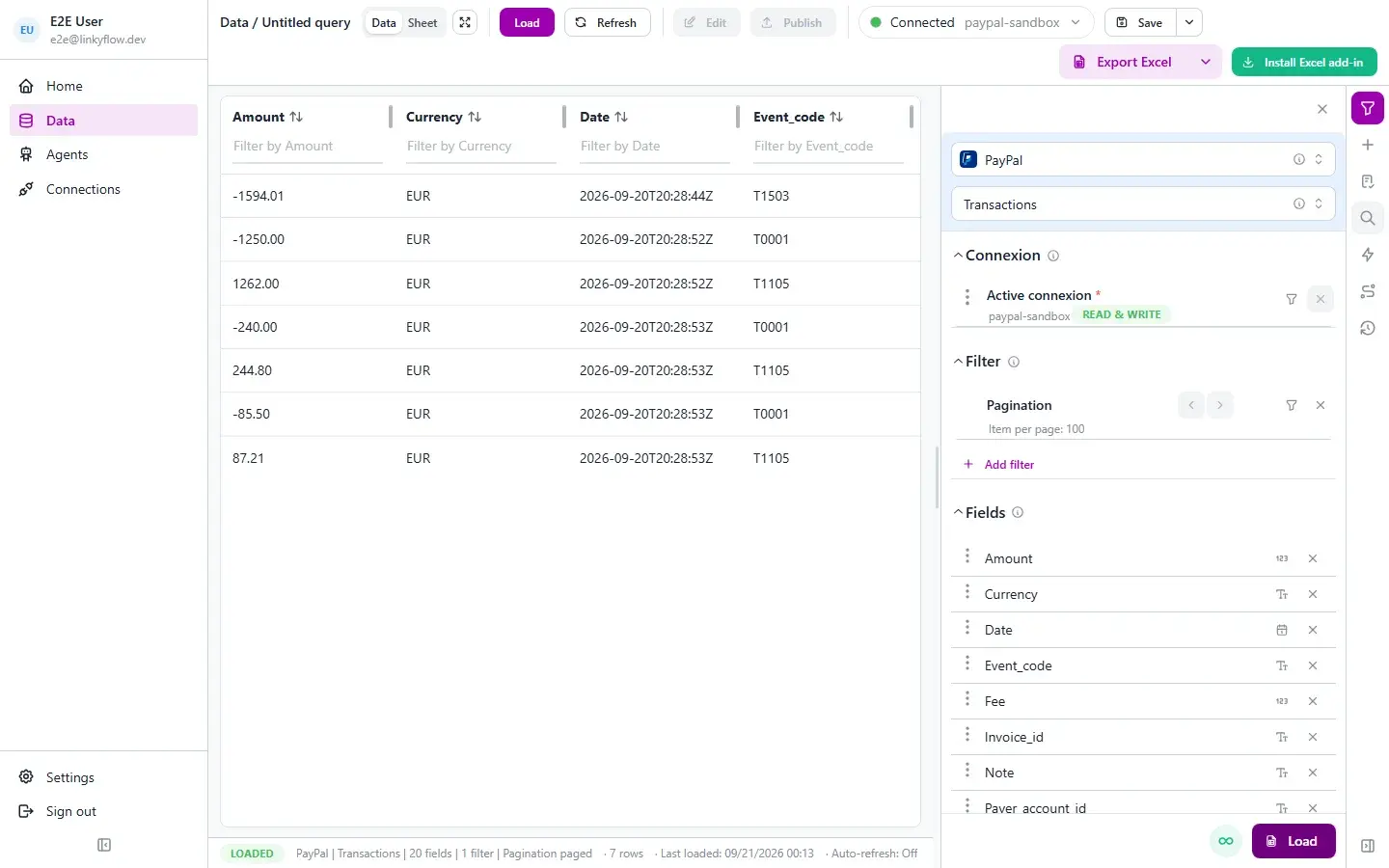
Load sales, refunds, payouts and adjustments over any window, with the payer, the gross amount and the fee on each line. Filter by status, event code or currency; net is one formula away.
INVOICES
Draft, send and cancel invoices from rows
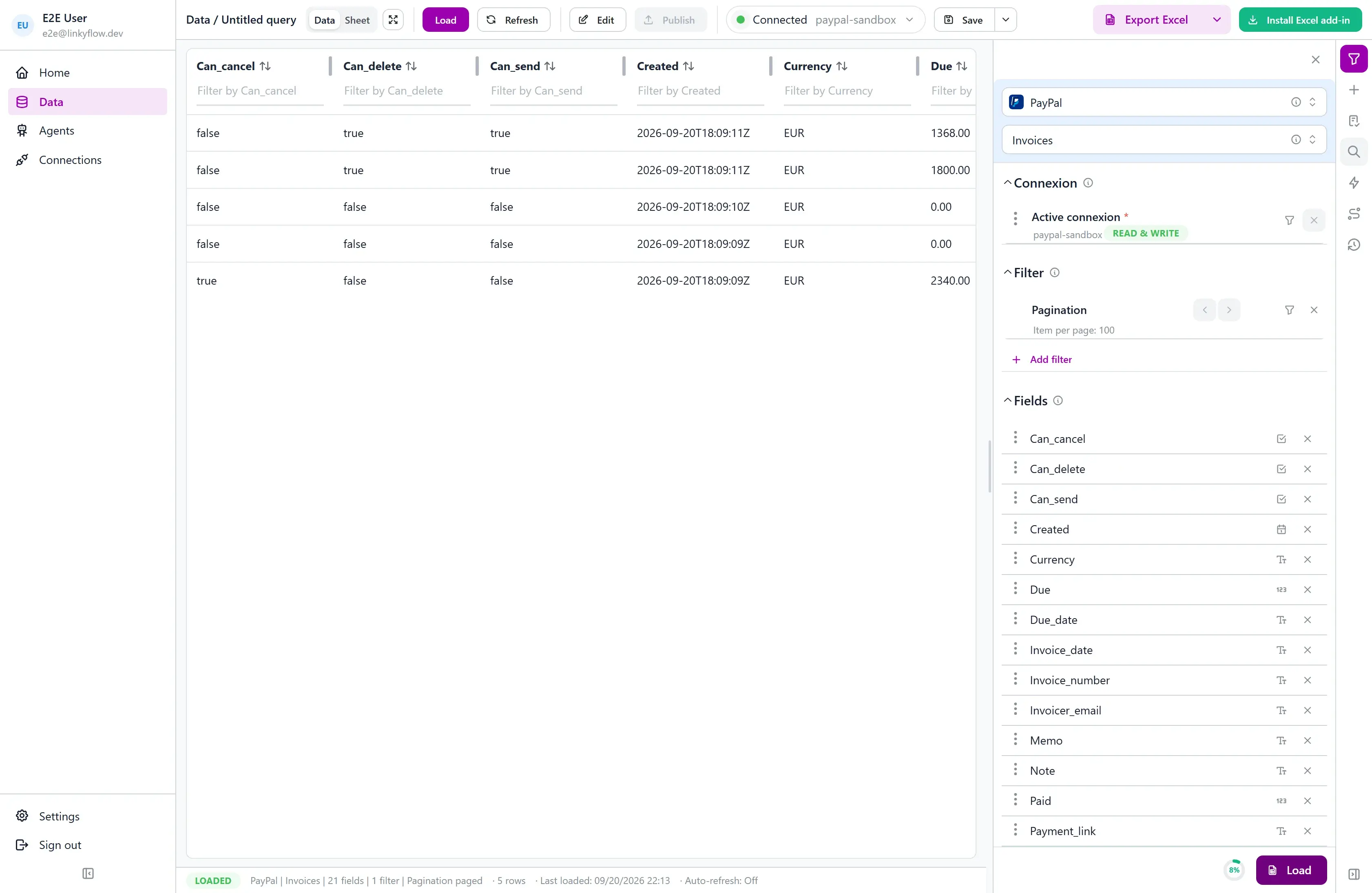
List invoices with the recipient, the total and what is still due. Create drafts in bulk, then open the Actions pane: a draft can be sent or deleted, a sent invoice cancelled — decided by PayPal’s own state, never guessed by the sheet.
PAGINATION
Load a page or a whole quarter
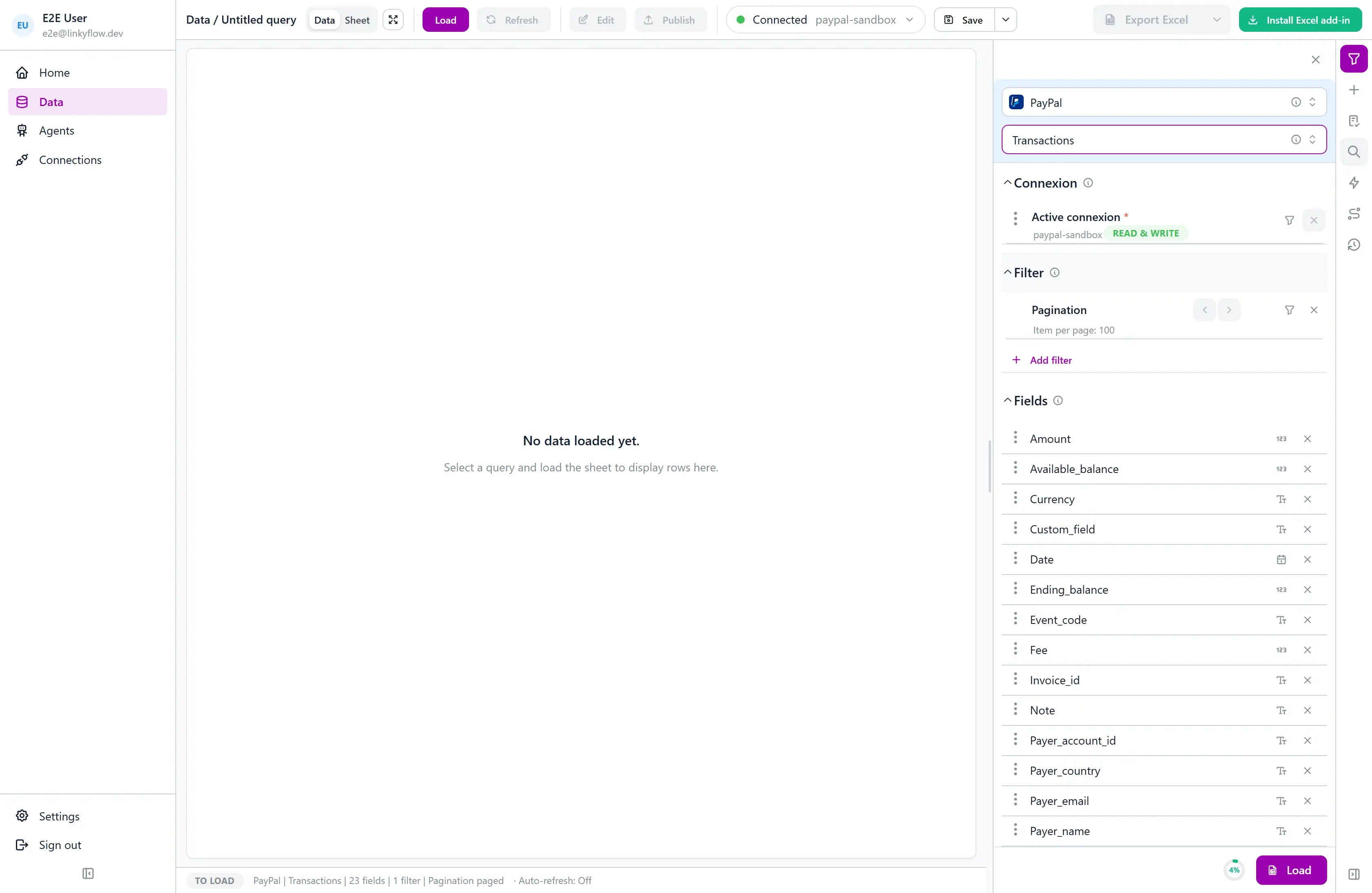
Page through results with the per-page control and arrows, or pick "All results": PayPal serves 31 days per query, and LinkyFlow walks a longer window in 31-day slices so the ceiling never shows in your sheet.
3 STEPS · INSTANT SETUP
From install to first export.
STEP 01
~1 min
Open LinkyFlow
Sign in to the LinkyFlow web app, or install the free add-in from AppSource and open it in Excel.
STEP 02
~1 min
Connect PayPal
Create a REST app in the PayPal Developer Dashboard, paste its client id and secret, and say whether it is a sandbox app. LinkyFlow checks the pair with PayPal.
STEP 03
~30 s
Load and work
Pick Transactions, set the window, load — then filter, add formulas, or draft and send invoices from the same sheet.
Your PayPal account. Your spreadsheet.
Connect your PayPal business account and keep your books, invoices and disputes in Excel or on the web.
Frequently asked questions
What PayPal data can LinkyFlow access?
Transactions (with fees and payer), balances per currency, disputes, invoices, catalog products and subscription plans — all as queries over the PayPal REST APIs. Orders, captures, payouts and subscriptions have no list endpoint at PayPal and are not in this first version.
Can LinkyFlow write to PayPal?
Yes, where it makes sense from a sheet: create invoice drafts, send and cancel them, create products and plans, activate and deactivate plans. Nothing moves money — no refund, no payout, no capture.
What do I need to connect?
A PayPal Business account and a REST app from the Developer Dashboard: its client id and secret. Pick "Sandbox account" for an app created under the Sandbox tab. There is no user login and no token to refresh — LinkyFlow mints access tokens from the pair.
How are amounts handled?
PayPal returns every amount as a decimal string beside its currency ("19.99", EUR), with fees negative. LinkyFlow keeps them exactly as returned; the dashboards sum them with VALUE().
Why can I only load 31 days of transactions at a time?
PayPal’s Transaction Search serves at most 31 days per request. Choose "All results" and LinkyFlow reads a longer window in 31-day slices, page by page, and returns the whole period.