LinkyFlow · eBay in Excel

eBay. In Excel.

Bring inventory, offers, orders, transactions, and payouts into Excel. Bulk edit SKUs and listings, reconcile finances, publish supported changes back to eBay — without leaving the spreadsheet.

LinkyFlow eBay dashboard in Excel

Bulk

inventory & offer edits in Excel rows

All

records in one fetch with offset pagination

9

eBay queries available

Every eBay Sell object. One workbook.

Inventory items, offers, inventory locations, orders, transactions, payouts, and business policies — all available as structured Excel queries over the eBay Sell APIs.

Inventory items
Offers
Inventory locations
Orders
Transactions
Payouts
Fulfillment policies
Payment policies
Return policies
+ more

From listings to reconciliation.

The loop of exporting reports from Seller Hub, editing in a spreadsheet, and re-importing disappears. LinkyFlow makes it a single connected workbook workflow over the eBay Sell REST APIs.

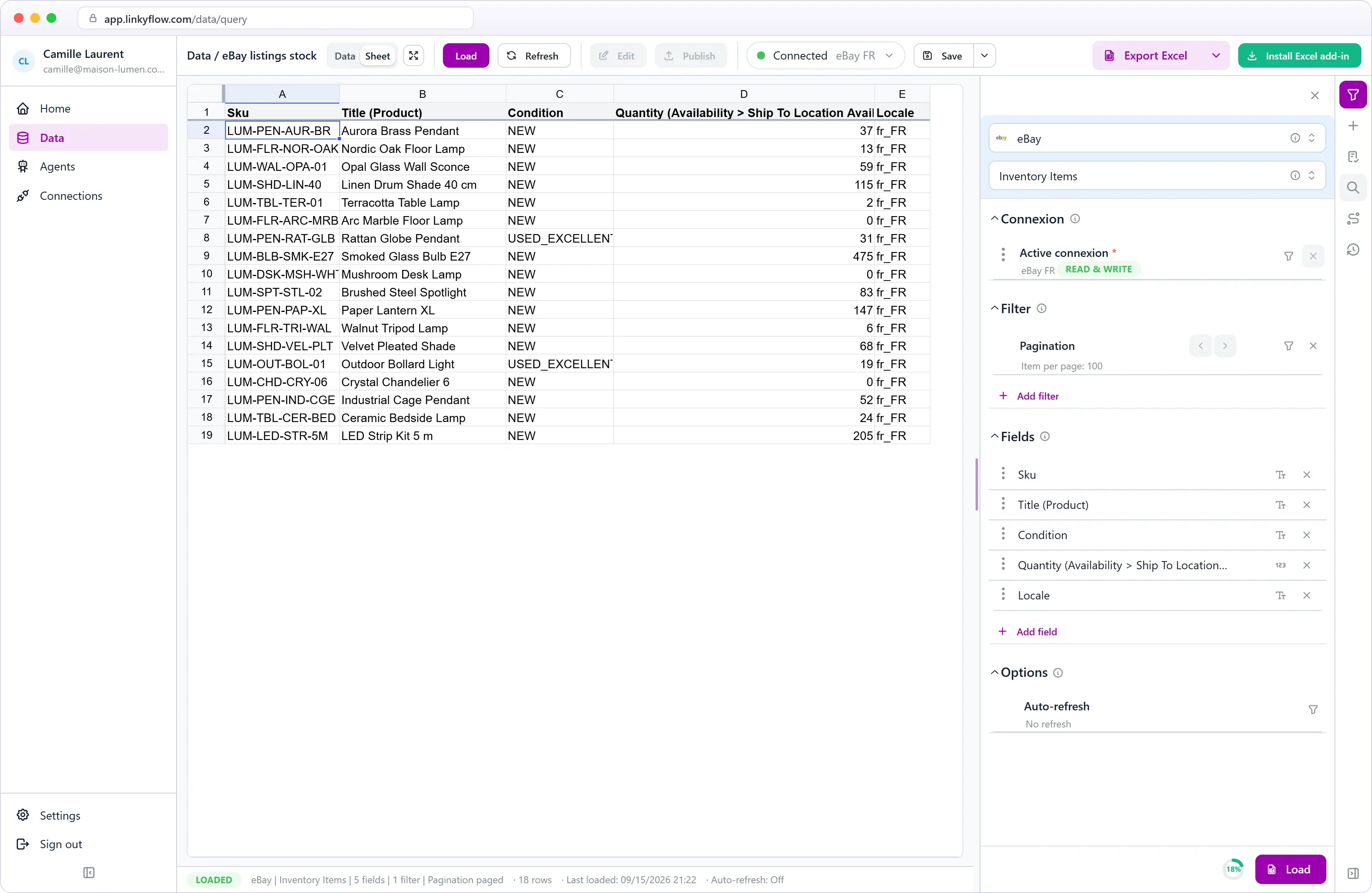
Create and update inventory items and offers in rows

Add SKUs, set quantities, and adjust offer prices across hundreds of rows in Excel, then publish in one batch. Inventory items are keyed by SKU — create and update are the same idempotent upsert.

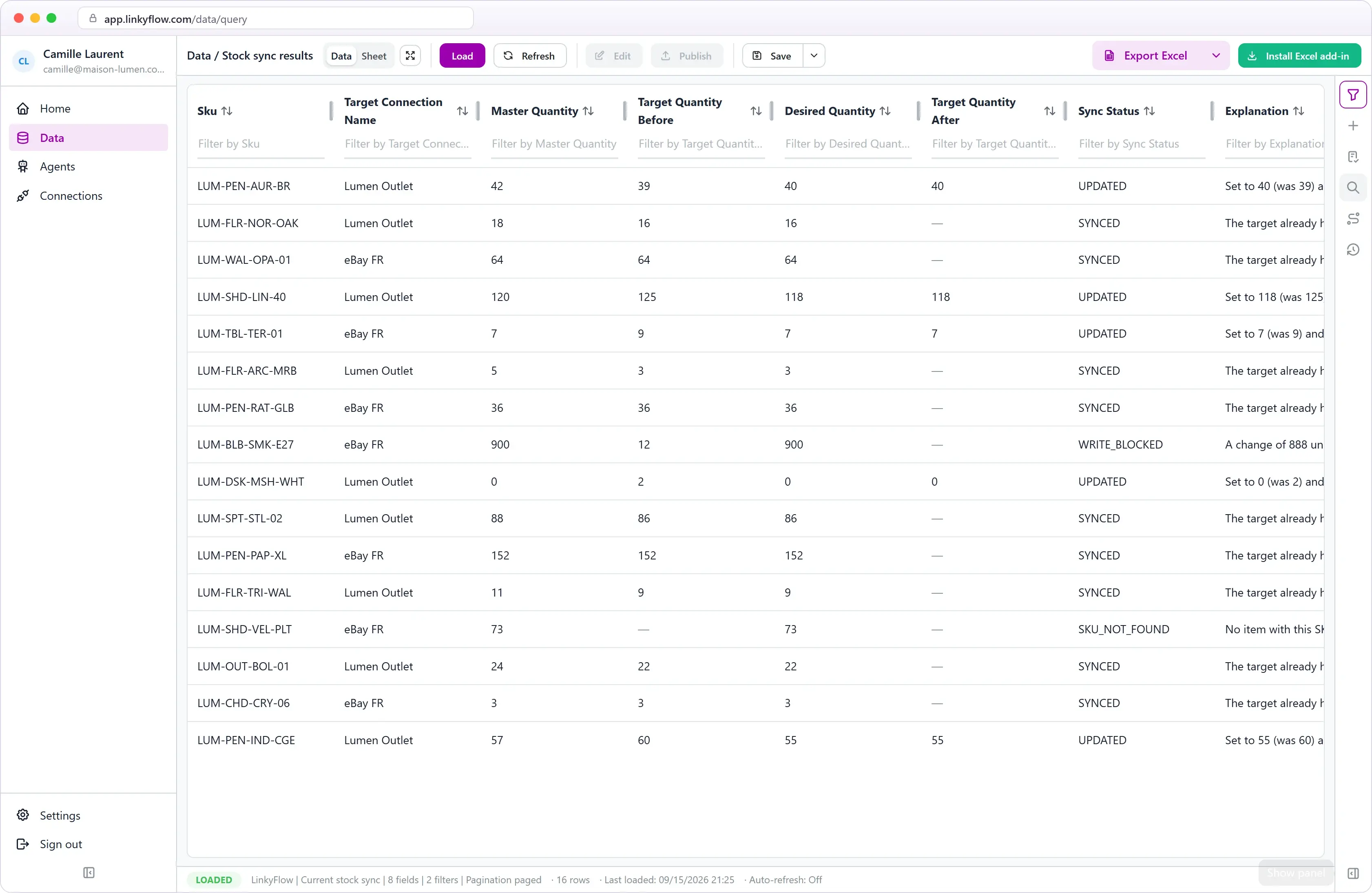
Bulk update eBay inventory with LinkyFlow
Validation feedback in LinkyFlow for eBay

Catch wrong input before it reaches eBay

Inline validation flags missing or invalid values in the row — so quantity typos and bad conditions never reach your live eBay listings.

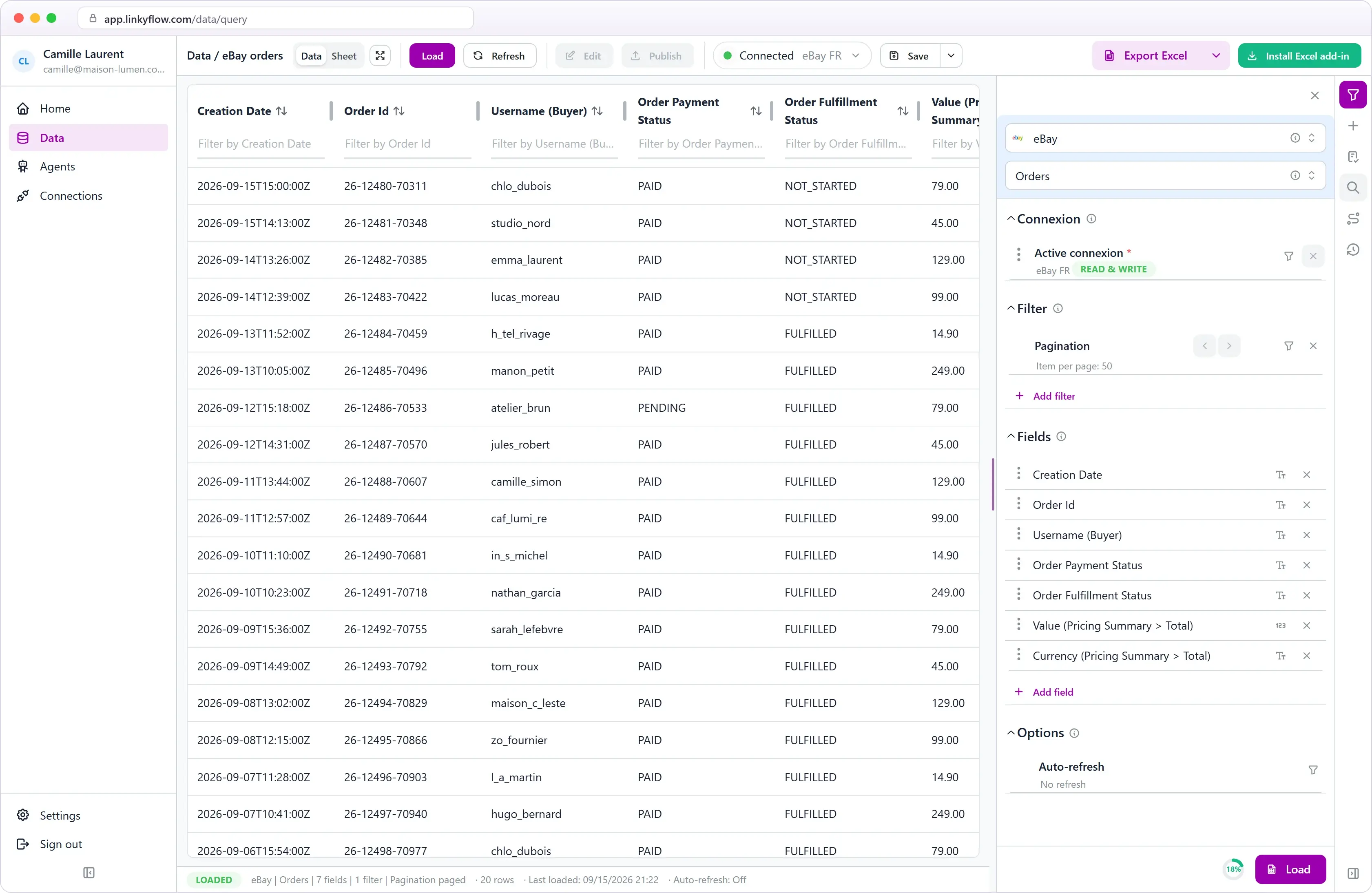
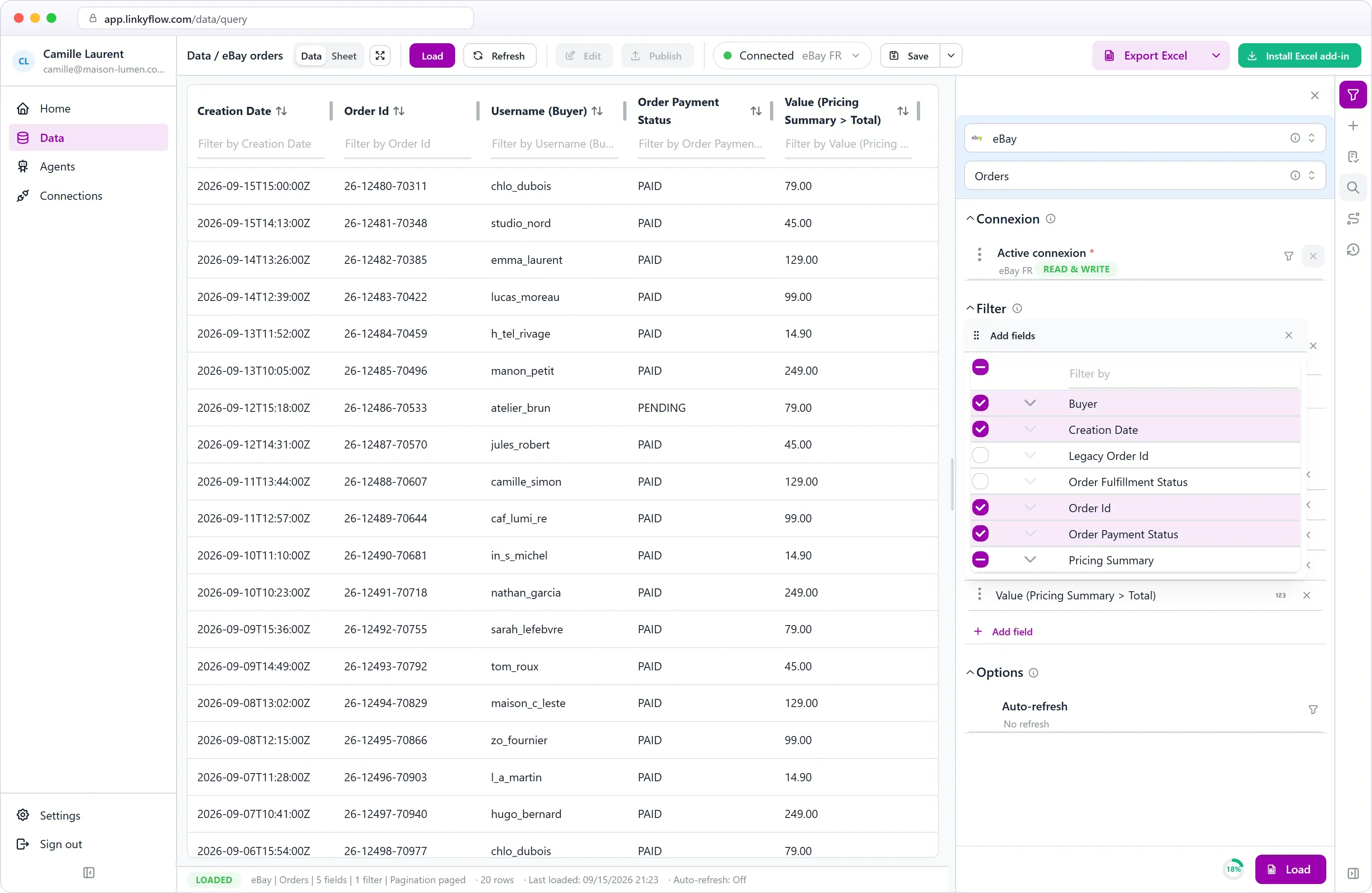
Load one page or the whole account

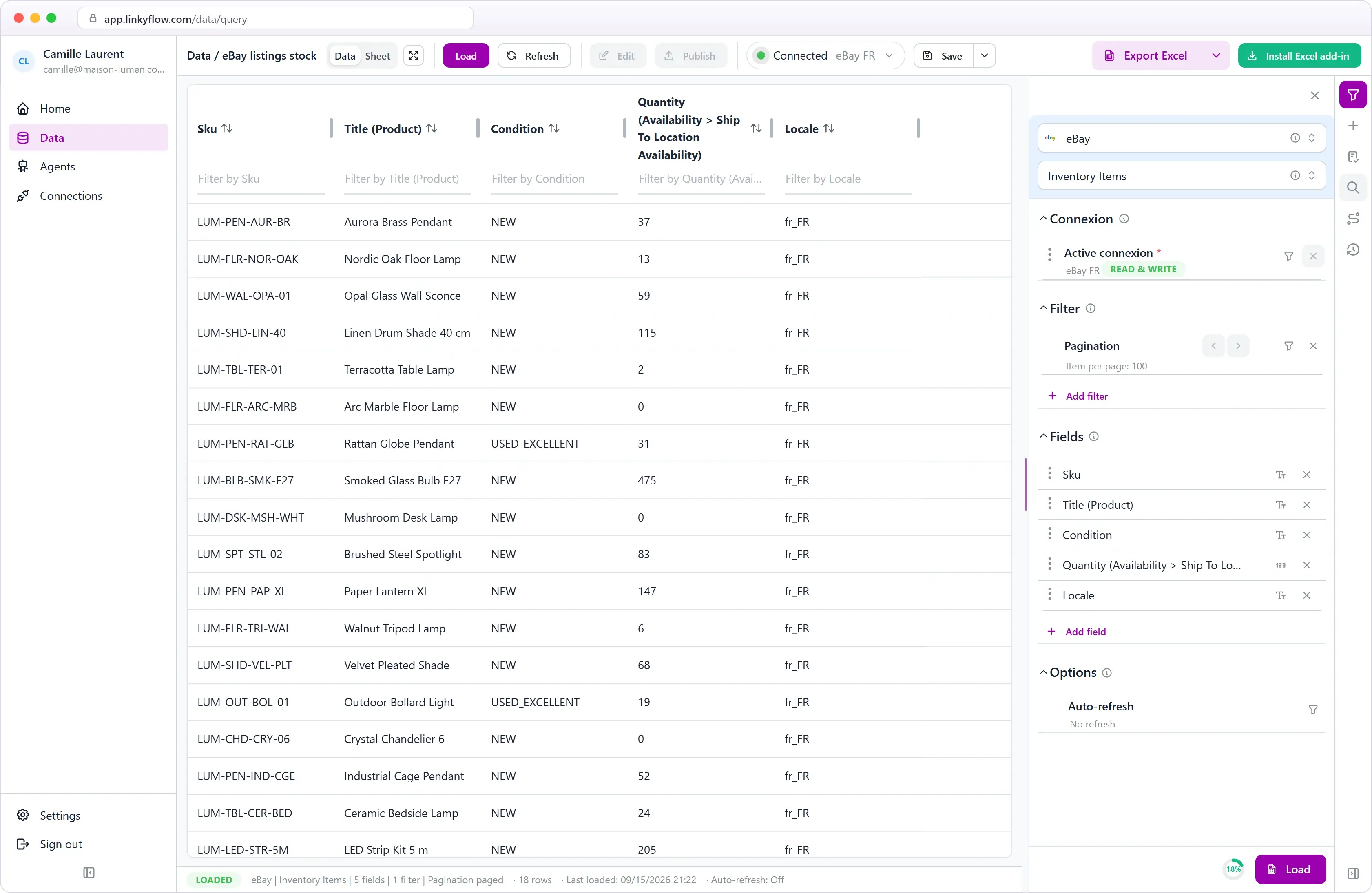
Page through results with the limit control and arrows, or pick "All results" to pull every item, order, or transaction in a single fetch — eBay offset pagination is handled for you.

eBay offset pagination and field selection in LinkyFlow
eBay inventory and sales overview

Inventory and sales dashboards

Track units in stock, out-of-stock SKUs, gross sales, and payouts next to the formulas and checks your team already uses in Excel.

From install to first publish.

STEP 01

~1 min

Install LinkyFlow

Install the free LinkyFlow add-in from AppSource and open it in Excel.

STEP 02

~30 s

Connect with eBay

Add an eBay connection and click "Connect with eBay" — sign in on eBay and approve. No API keys to create or copy.

STEP 03

~30 s

Load and publish

Pick a query, load inventory or orders into Excel, edit rows, and publish supported updates back to eBay.

Your marketplace. Your spreadsheet.

Install LinkyFlow free, connect your eBay account, and manage listings where your team already works.

Frequently asked questions

What eBay data can LinkyFlow access?

Inventory items, offers, inventory locations, orders, transactions, payouts, and fulfillment / payment / return policies — all as Excel queries over the eBay Sell APIs.

Can LinkyFlow publish bulk updates to eBay?

Yes. Prepare changes in Excel rows and publish in batches — create, update, and delete are supported for inventory items and offers. Inventory items are keyed by SKU (idempotent upsert).

What do I need to connect?

Just an eBay seller account. Click "Connect with eBay", sign in, and approve — LinkyFlow runs the OAuth flow and refreshes tokens for you. No API keys to create or paste.

How are amounts handled?

eBay stores monetary values as strings (e.g. "19.99"). Enter prices normally and LinkyFlow sends them through exactly as eBay expects.